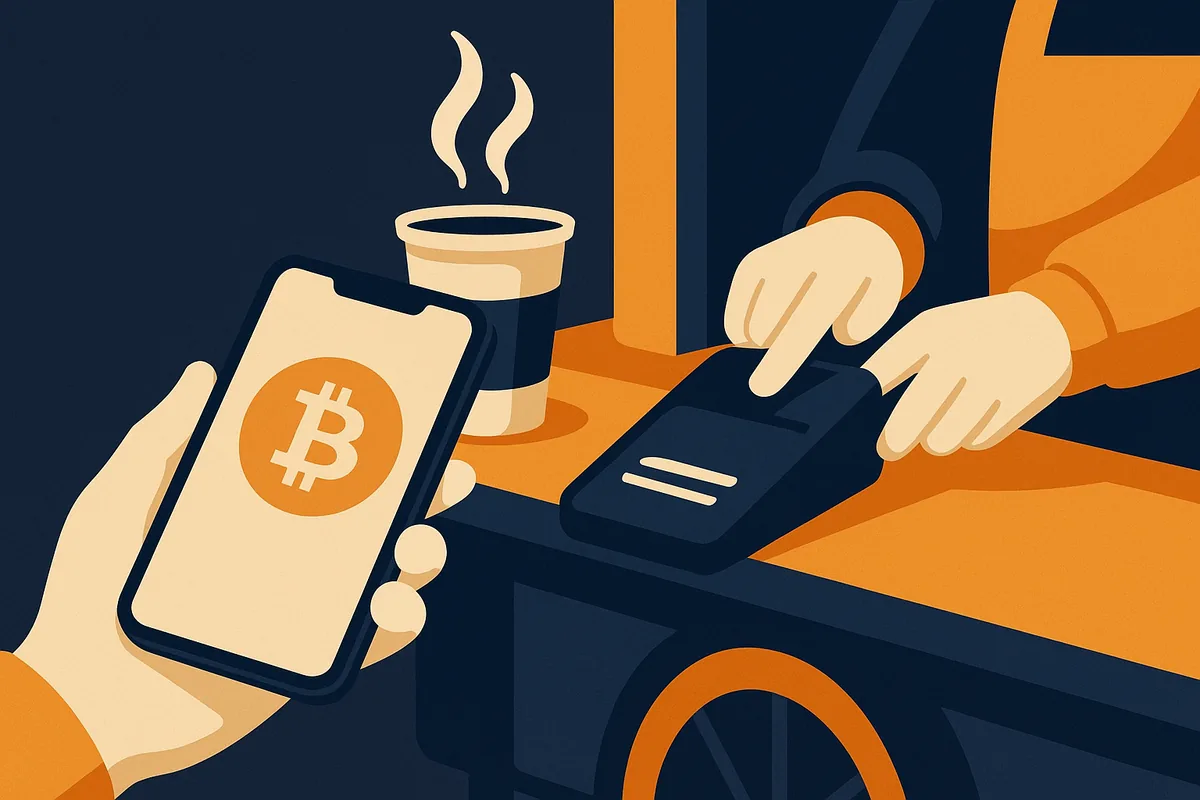
A mobile wallet turns your phone into a Bitcoin checking account: quick to set up, always with you, perfect for receiving your first sats and paying for things. The rule of thumb is simple — keep spending money on your phone, keep savings on a hardware wallet. A phone is a connected, lose-able, steal-able device; treat the wallet on it like the cash in your pocket, not like your life savings.
As with hardware, we don't crown a winner — these are the options our members actually use, with honest notes. All of them are self-custodial: you hold the keys, so write down that seed phrase.
BlueWallet
The long-time community favorite for on-chain Bitcoin on a phone. Open source, clean interface, supports multiple wallets in one app (nice for separating spending from stacking), watch-only wallets for keeping an eye on your cold storage, and advanced features like coin control when you grow into them. If you just want a straightforward, well-maintained Bitcoin app, this is the default suggestion.
Blockstream App (formerly Green)
Blockstream's mobile wallet, notable for its optional two-factor security model: a second key held by Blockstream co-signs your transactions after you confirm via 2FA, protecting you if your phone is compromised (with a timelock escape hatch so your coins are never hostage). Also pairs natively with the Jade hardware wallet. A bit more setup complexity in exchange for meaningfully better security than a standard phone wallet.
Muun
Beloved for its radical simplicity — one balance, send, receive, done. It quietly handles both on-chain and Lightning payments from the same balance, which makes it a great first wallet for someone who just wants things to work. Two caveats: its unusual design means recovery requires Muun's emergency kit (not a standard 12-word seed), and because every Lightning payment is backed by an on-chain operation, fees can sting when the network is busy.
Aqua
A newer entrant (from JAN3) aimed squarely at beginners, handling Bitcoin and Lightning with the complexity hidden away — Lightning payments are handled via swaps under the hood. Slick onboarding and a good choice for someone's very first wallet, with the usual note that newer software has a shorter track record than the veterans above.
Phone wallet hygiene
- Write the seed phrase on paper when you create the wallet. Not a screenshot. Not a note app. Paper.
- Set a wallet PIN separate from your phone unlock.
- Keep amounts small — if the balance would hurt to lose, it belongs on a hardware wallet.
- Test recovery once: delete and restore a wallet with a few dollars in it. Five minutes of practice removes years of doubt.
- Download only from the official app store listing linked from the project's own website — fake wallet apps are a real scam vector.